
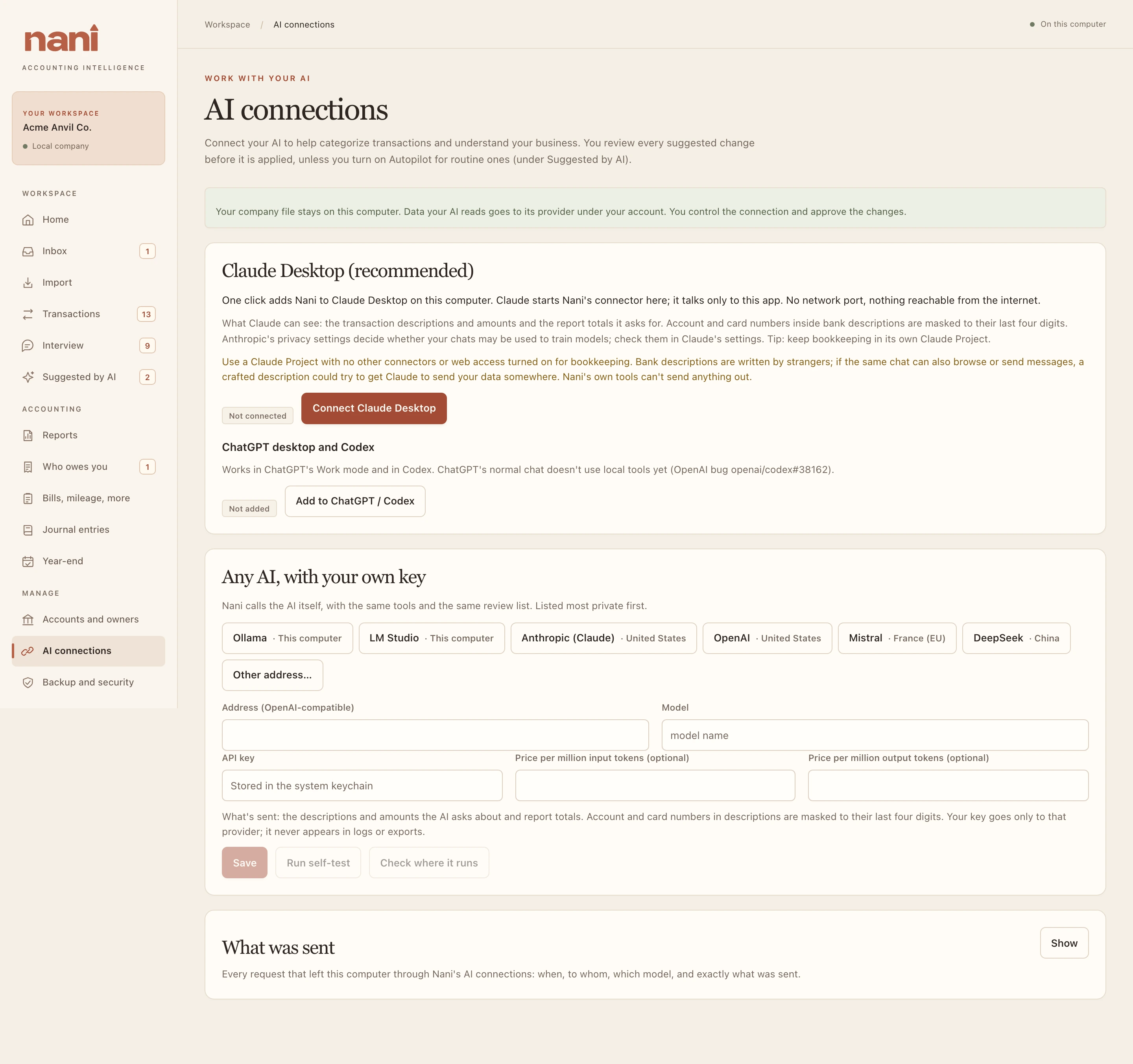
Any AI, with your own key
Nani can call an AI itself, using the same tools and the same review list. Presets are listed most private first:
| Preset | Where it runs | Key |
|---|---|---|
| Ollama | This computer | Not needed |
| LM Studio | This computer | Not needed |
| Anthropic (Claude) | Hosted provider | Your API key |
| OpenAI | Hosted provider | Your API key |
| Mistral | Hosted provider | Your API key |
| DeepSeek | Hosted provider | Your API key |
- Pick a preset (or Other address…), type the model name, and paste your API key. The key is stored in your computer's keychain, never in the company file or logs.
- Optional: type your provider's prices per million tokens to see costs and set a dollar cap.
- Choose Save, then Run self-test. It sends two tiny test prompts with none of your data and tells you whether the model can do bookkeeping: Works, Works with limits, or Not good enough for bookkeeping.
- For Ollama or LM Studio, Check where it runs confirms the model really runs on this computer.
Under Ask your AI you can give it a task, see an estimate, set a cap in tokens or dollars, and Run. Runs stop before any request that would cross your cap.
What an AI adds
Nani works fine on its own. If you use an AI, connect it and you can ask questions about your books in plain English ("What did I spend on software this year?", "Why is profit down?") and have it suggest categories and other changes for you to approve. It works in your own AI app, on your own account.
There are three ways to connect, all under AI connections.
Hosted providers receive the tool data used for your task. Review their account settings and terms; the preset name does not establish data residency. AI subscription or usage charges are separate from the Nani license. Nani’s cost controls cover requests it sends itself.