
Forgot your passphrase?
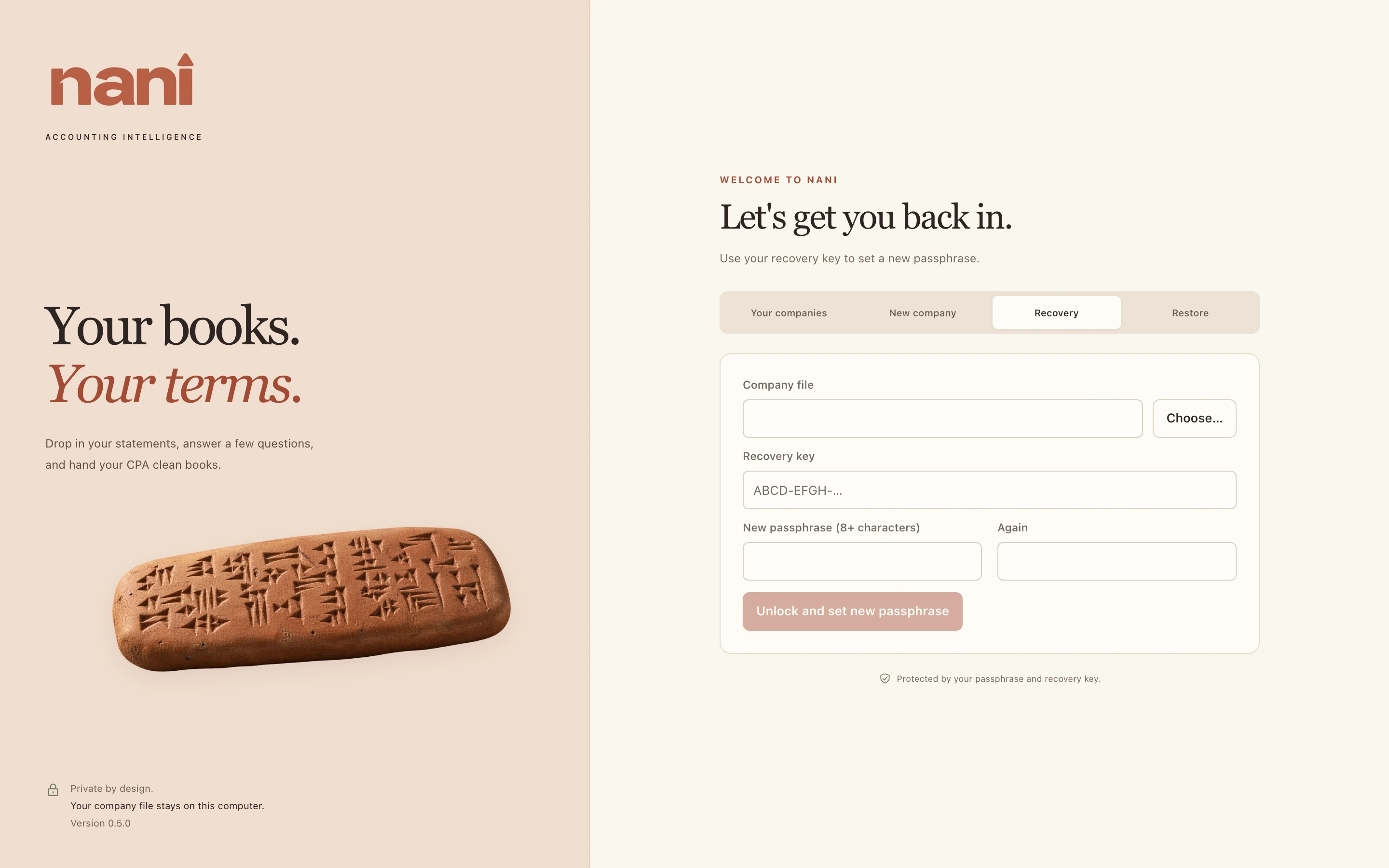
- On the welcome screen, open the Recovery tab.
- Choose the company file, and type your recovery key. Spaces, dashes and lowercase don't matter.
- Type a new passphrase twice and choose Unlock and set new passphrase.
Your recovery key keeps working afterwards. If you had Nani remember the old passphrase, it now remembers the new one.