
The screen
Invoices you sent and what's still owed: totals for still owed, not yet due and overdue, payments to confirm, every invoice, and how late each customer is.
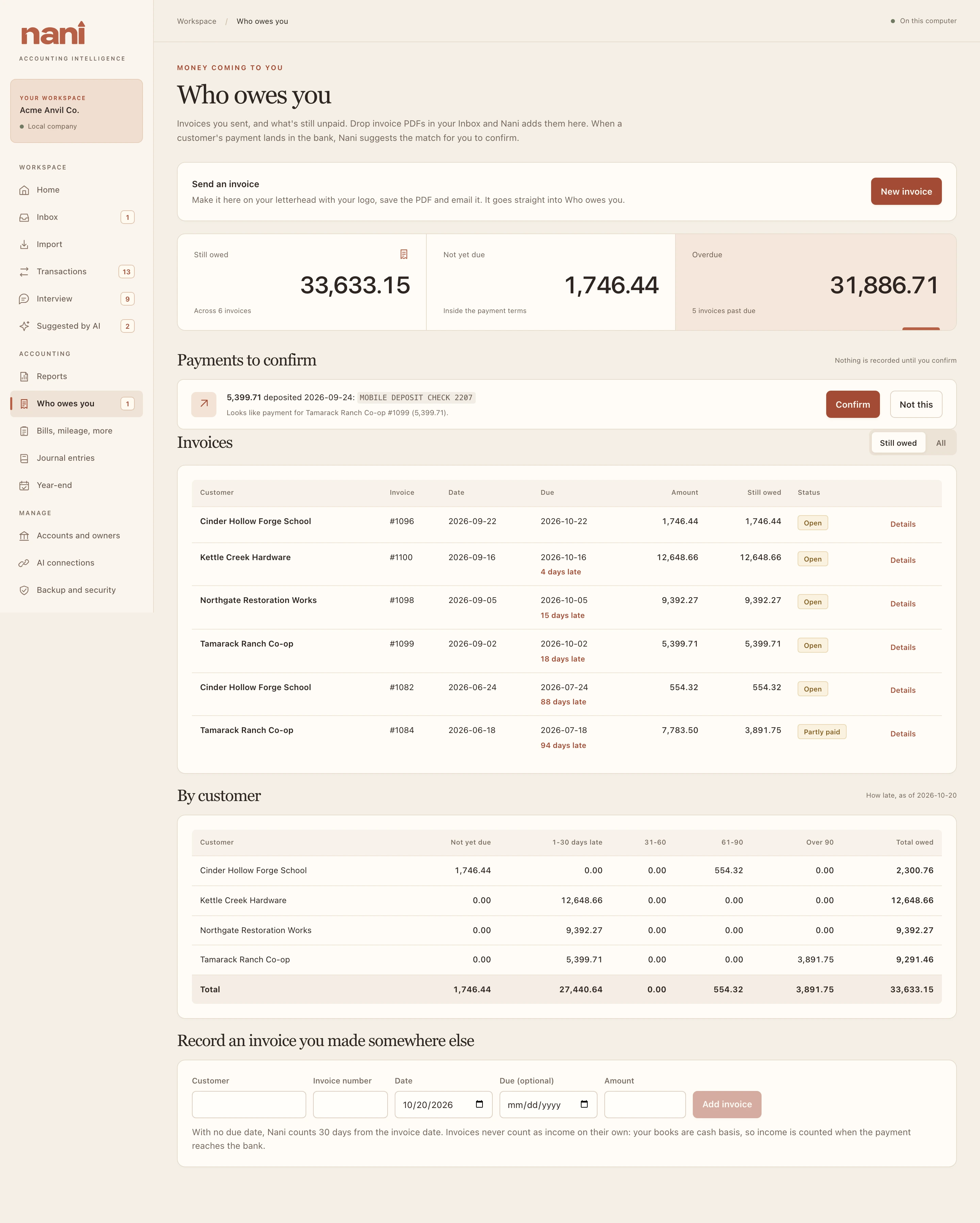
Make an invoice in Nani
- Choose New invoice.
- Pick the customer (Nani remembers their address), check the invoice number and dates, and add a line for each thing you sold or did, with quantity and price.
- Choose Create invoice, then Save PDF… to email it, or Open PDF to print it.
The invoice is on your letterhead with your logo, and goes straight into Who owes you. Nani doesn't email it for you; you send the PDF yourself. Invoices made elsewhere can be dropped in the Inbox, or entered under Record an invoice you made somewhere else.