How setup works
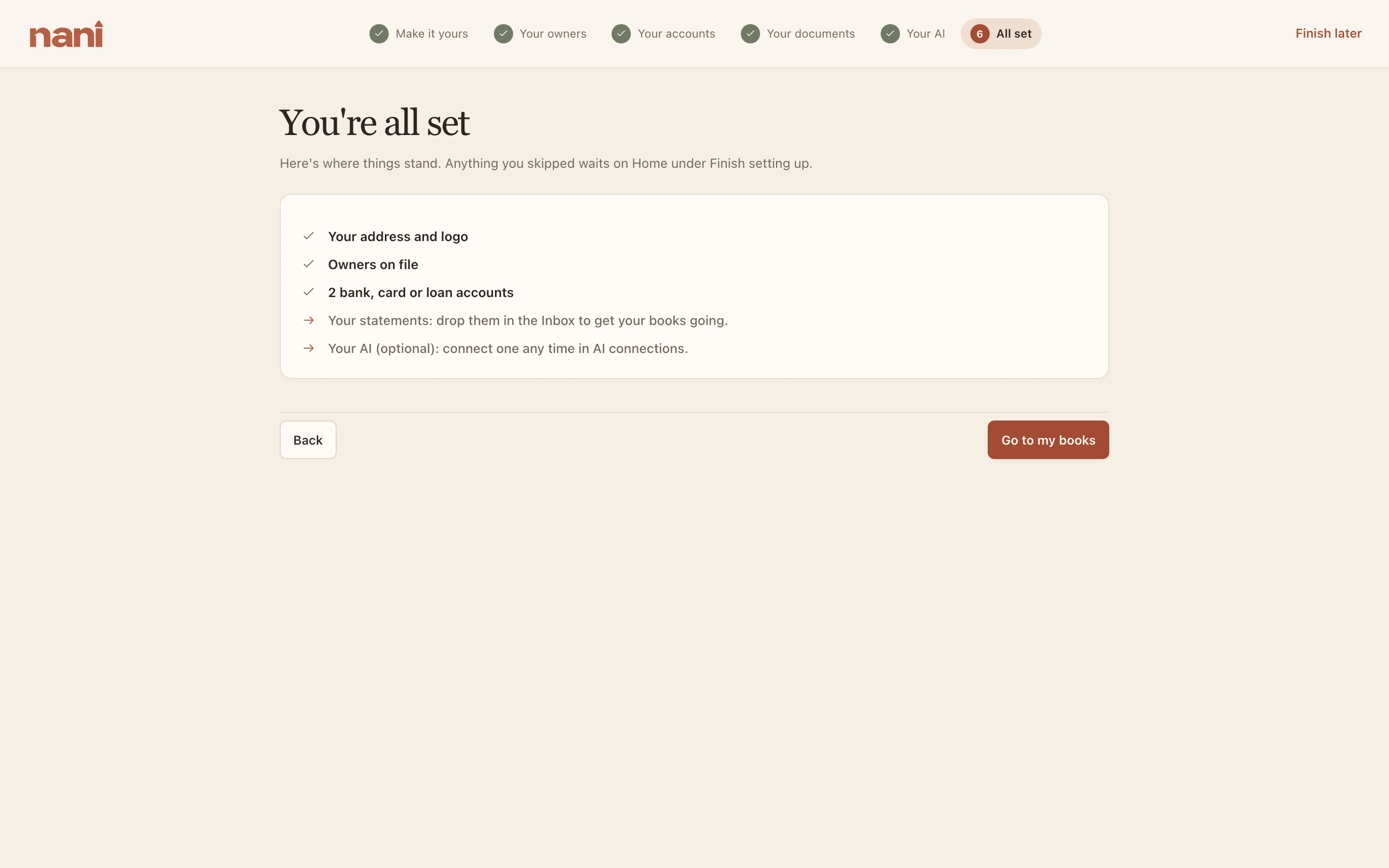
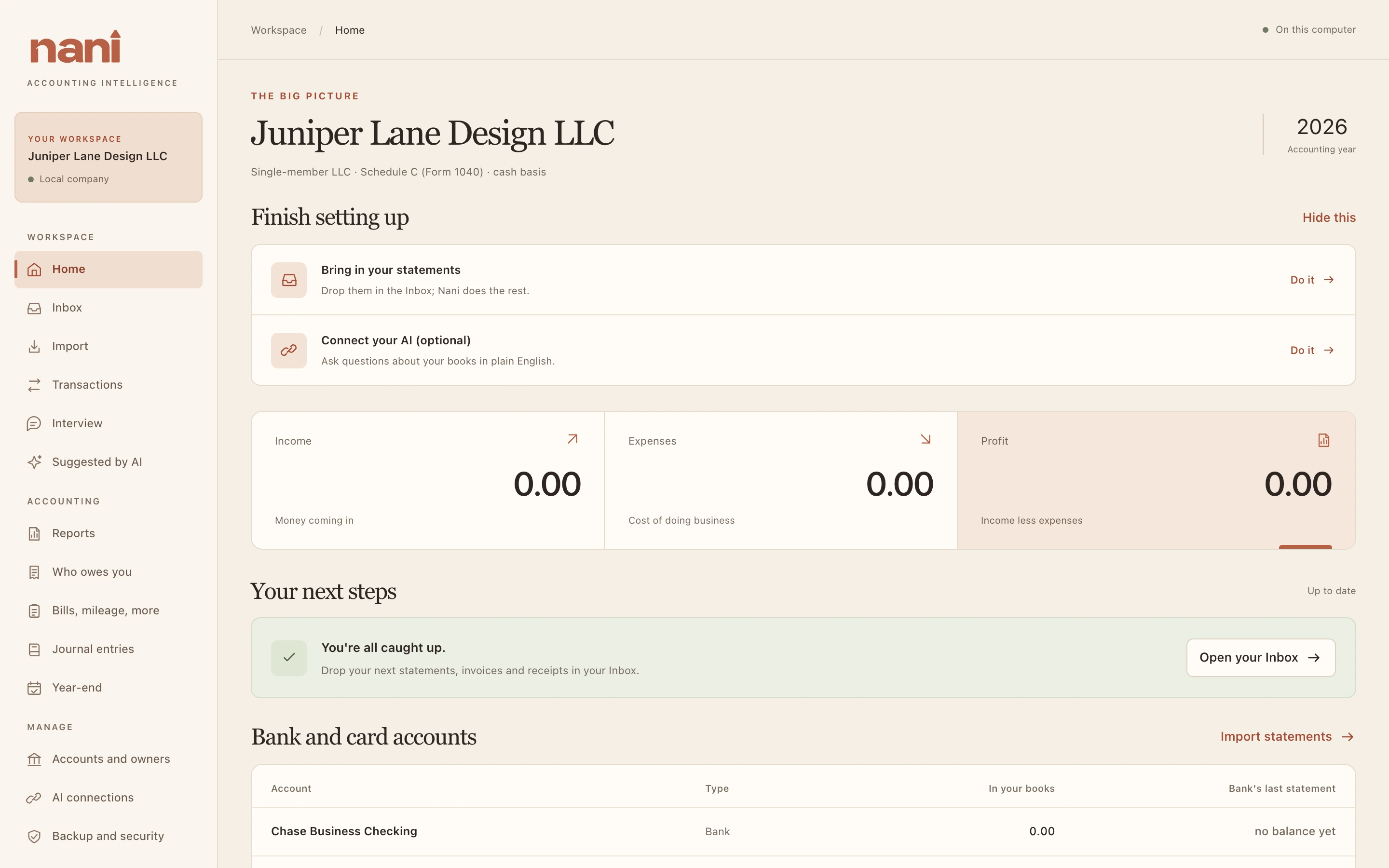
A new company opens into a short guided setup. Every step can be skipped with Skip for now, and anything you skip waits on Home under Finish setting up. What you enter saves as you go. Finish later takes you straight to your books.
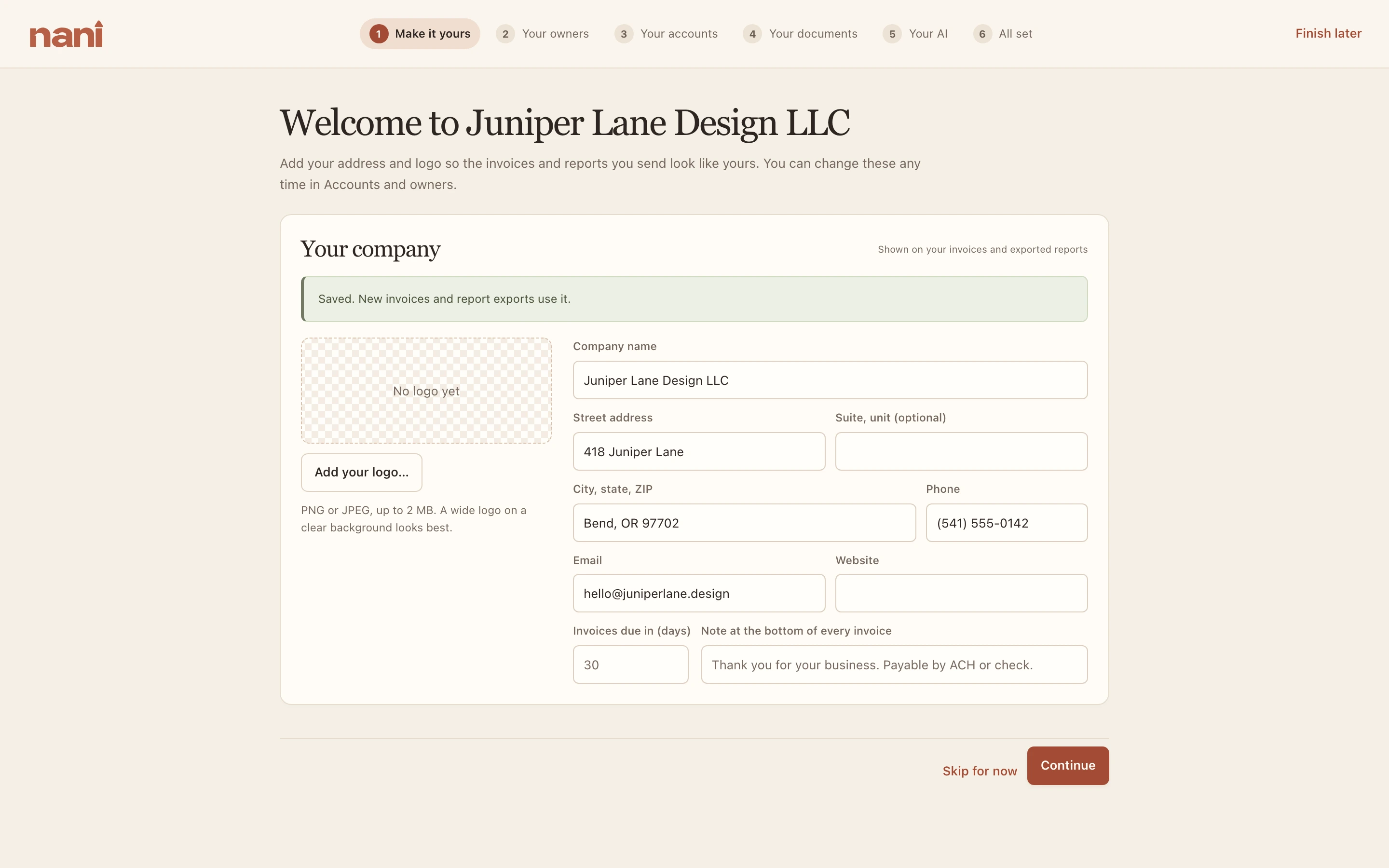
1. Make it yours
Your address, phone, email, website and logo. They print on the invoices you make in Nani and on exported reports. Each field saves when you leave it.
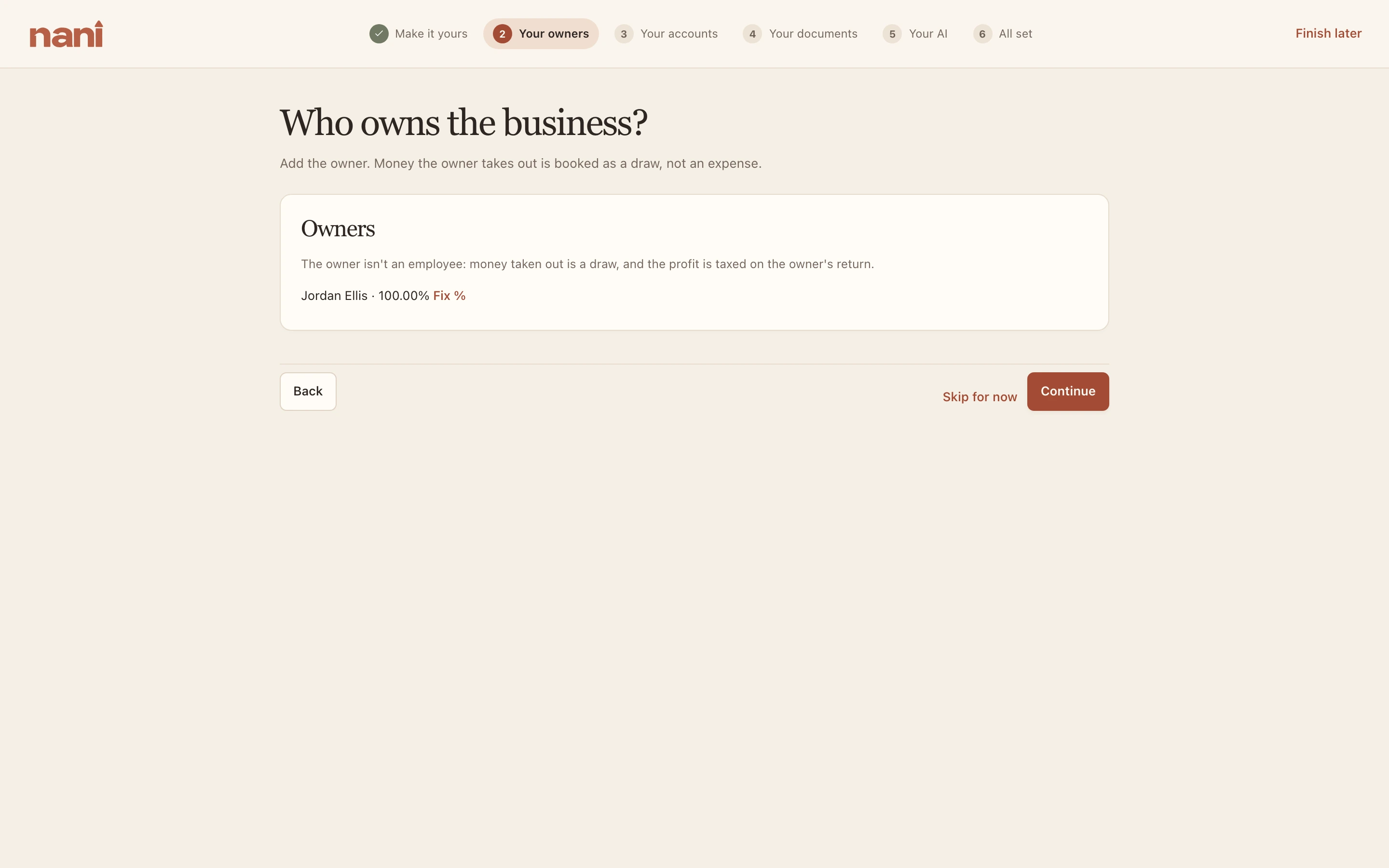
2. Your owners
Who owns the business and their shares. Profit is split by these shares on each K-1, and money each owner takes out is booked to their own accounts. A sole proprietor or single-member LLC has exactly one owner.
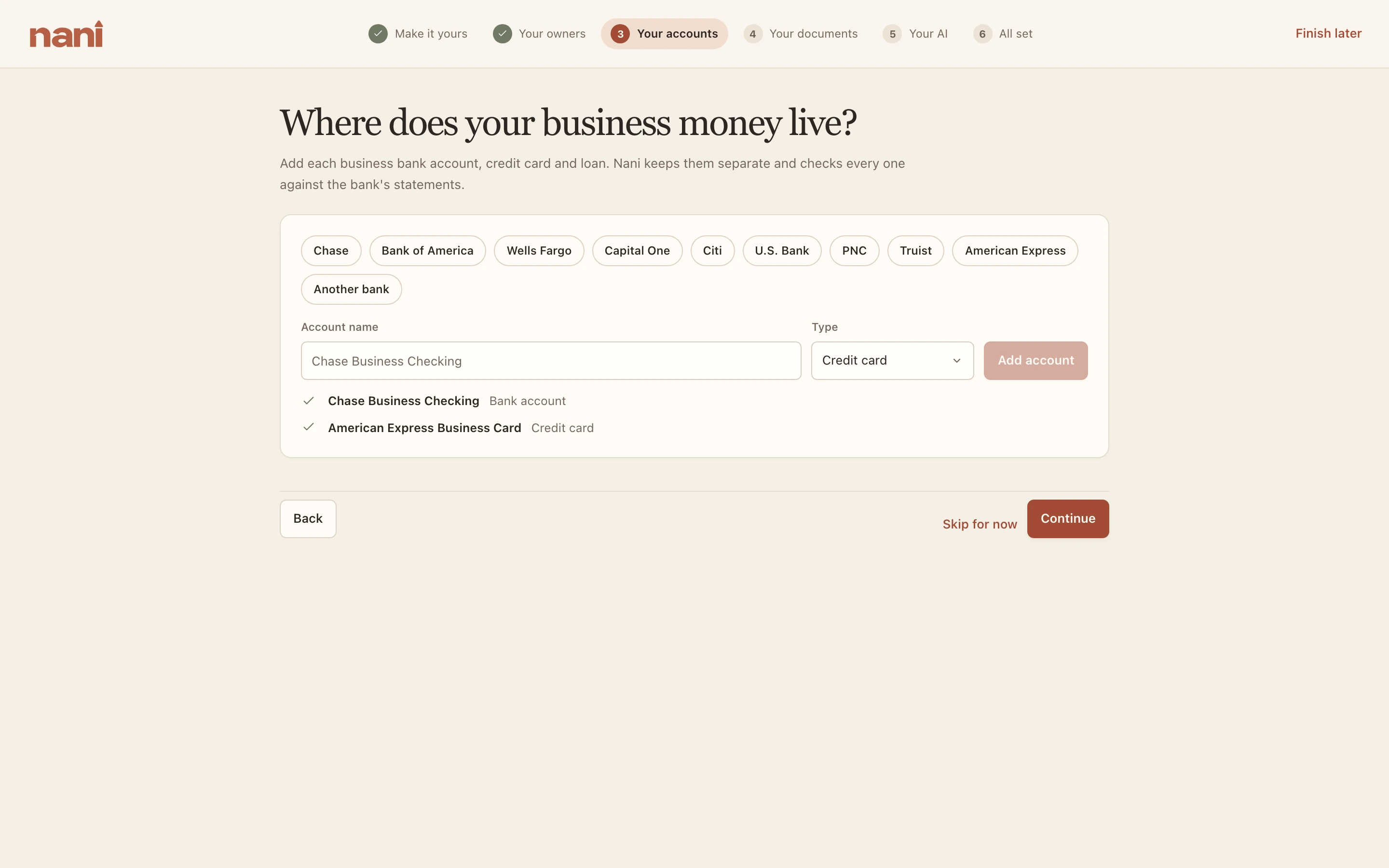
3. Your accounts
Every business bank account, credit card and loan. Buttons for the big banks fill in a name for you. Nani keeps each account separate and checks each one against its statements.
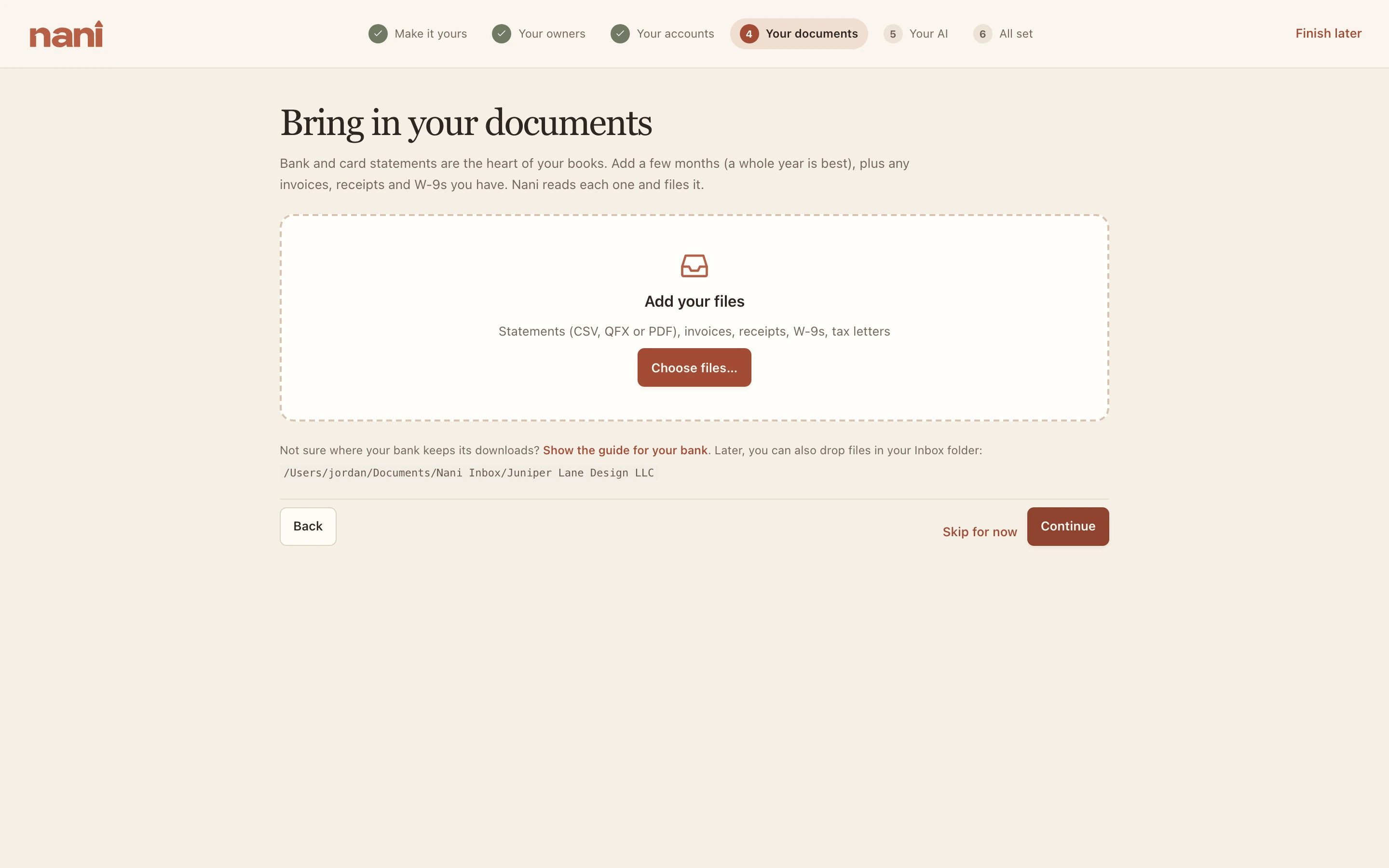
4. Your documents
Bring in statements, invoices, receipts and W-9s. Choose files or drop them on the window; Nani reads each one and files it, and asks about anything it can't place. A few months of statements is a good start; a whole year is best.
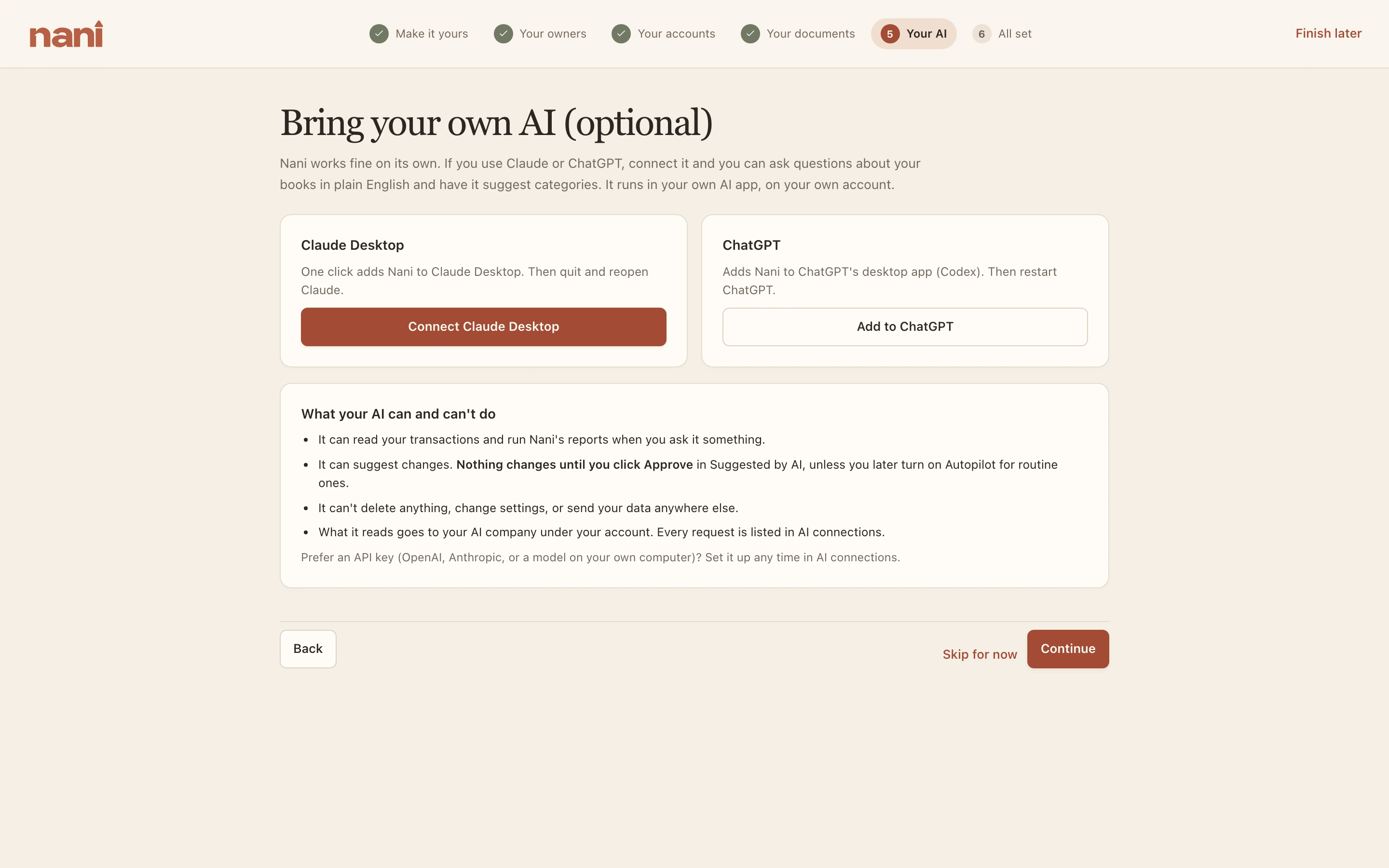
5. Your AI (optional)
Nani works fine on its own. If you use Claude or ChatGPT, one click connects it. See Your AI for everything about connecting one.
6. All set
A summary of what's in place and what's left. Go to my books opens Home.